
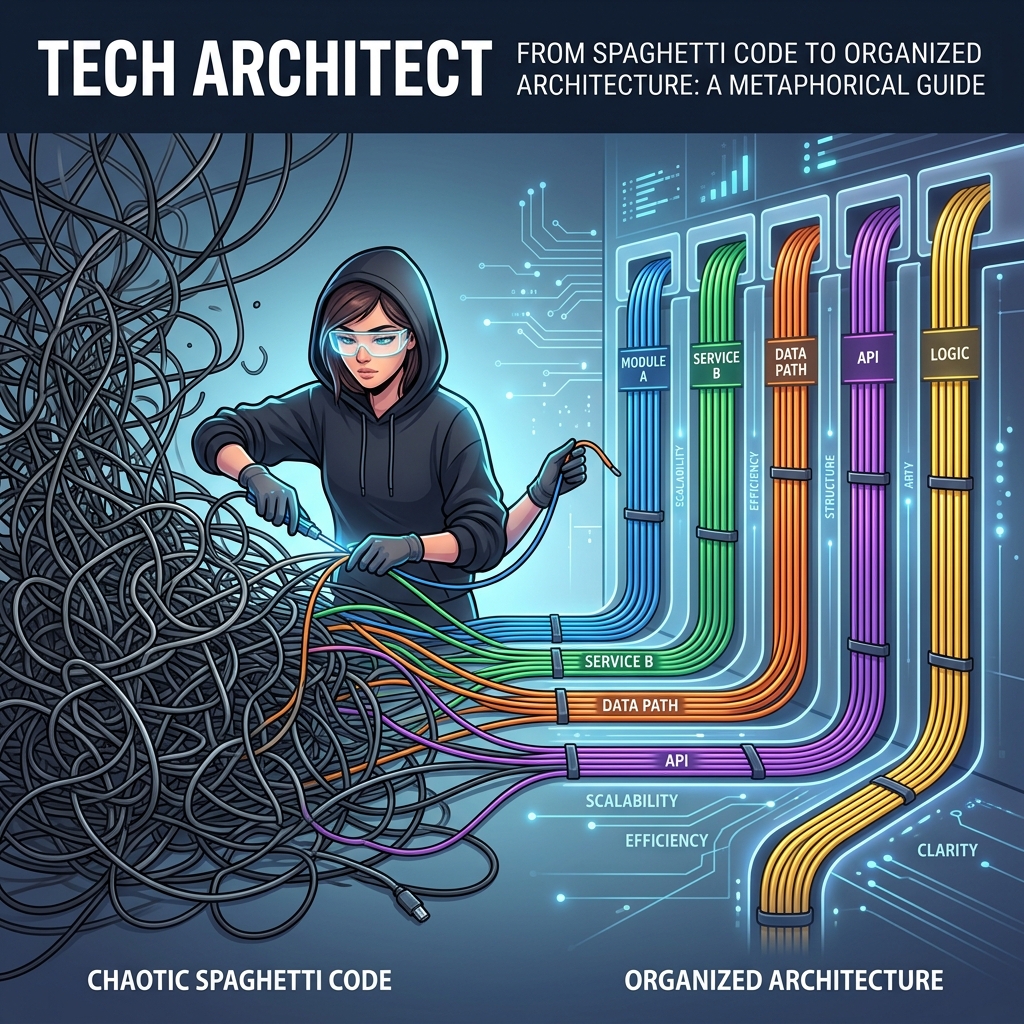
Modernizing Legacy PHP Codebases: From Spaghetti to MVC
Introduction
We’ve all been there. You inherit a PHP codebase that has been running in production for a decade. It consists of massive, 3,000-line files where HTML, CSS, business logic, and raw SQL queries are all mixed together in a terrifying cocktail. Functions are non-existent, variables are declared dynamically in the global scope, and the only routing mechanism is directly hitting process_form.php.
This is classic “Spaghetti PHP.” The immediate reaction of most developers is to declare bankruptcy, throw the whole thing out, and rewrite it from scratch in Laravel. But business reality rarely allows for a six-month rewrite freeze.
The good news is that you don’t have to rewrite everything at once. In this article, I am going to outline a systematic, step-by-step strategy for refactoring a monolithic, procedural legacy PHP application into a modern, organized Model-View-Controller (MVC) architecture—without breaking production.
Core Concepts: The Refactoring Mindset
The golden rule of modernizing legacy code is: Change the structure, not the behavior.
You cannot simultaneously add new features and refactor the architecture. When refactoring, the application should do exactly what it did before, just with cleaner code. We achieve this through the “Strangler Fig” pattern—slowly building modern components around the edges of the legacy code until the old code can be safely removed.
Step 1: Introduce Composer and Autoloading
Legacy code usually relies on dozens of require_once statements scattered throughout the codebase. The very first step to modernization is introducing Composer, PHP’s package manager, and utilizing PSR-4 autoloading.
Run composer init in your project root. Then, define a namespace for your new, modernized code in your composer.json:
{
    "autoload": {
        "psr-4": {
            "App\\": "src/"
        }
    }
}
Run composer dump-autoload. Now, you can create a src/ directory. Any new class you write (e.g., App\Controllers\UserController) will be automatically loaded. You simply add require_once __DIR__ . '/vendor/autoload.php'; to the very top of your legacy scripts.
Step 2: Isolate the Database Connection
In legacy code, you often see mysqli_connect or `mysql_query` inside the HTML loops. Your next goal is to standardize database access.
Create a dedicated Database class using PDO (PHP Data Objects). Replace the deprecated `mysql_*` functions across the application. Do not try to build a full ORM yet. Just centralize the connection.
<?php
namespace App\Database;

use PDO;

class DB {
    private static ?PDO $instance = null;

    public static function getConnection(): PDO {
        if (self::$instance === null) {
            $dsn = "mysql:host=127.0.0.1;dbname=legacy_app;charset=utf8mb4";
            self::$instance = new PDO($dsn, 'user', 'pass', [
                PDO::ATTR_ERRMODE => PDO::ERRMODE_EXCEPTION,
                PDO::ATTR_DEFAULT_FETCH_MODE => PDO::FETCH_ASSOC,
            ]);
        }
        return self::$instance;
    }
}
Now, inside your terrible legacy file, you can slowly replace inline connections with $db = \App\Database\DB::getConnection();.
Step 3: Extract the “View” (The HTML)
The defining characteristic of spaghetti PHP is HTML intermingled with business logic. You must separate them.
Take a file like user_profile.php. Create a new directory called templates/. Move all the raw HTML out of user_profile.php and into templates/user_profile.view.php. In the original file, gather all the data, and then require the view at the very end.
<?php
// LEGACY: user_profile.php
require_once 'vendor/autoload.php';
$db = \App\Database\DB::getConnection();

// --- 1. Business Logic / Data Fetching ---
$userId = (int)$_GET['id'];
$stmt = $db->prepare("SELECT * FROM users WHERE id = ?");
$stmt->execute([$userId]);
$user = $stmt->fetch();

// --- 2. Render the View ---
require 'templates/user_profile.view.php';
In templates/user_profile.view.php, you only use simple `<?= $user[‘name’] ?>` output tags. You have successfully implemented the “V” in MVC.
Step 4: Extract the “Model”
Once the view is separated, look at the SQL queries remaining in your file. Move them into dedicated classes responsible solely for data interaction.
<?php
namespace App\Models;

use App\Database\DB;
use PDO;

class UserModel {
    public function findById(int $id): ?array {
        $db = DB::getConnection();
        $stmt = $db->prepare("SELECT * FROM users WHERE id = ?");
        $stmt->execute([$id]);
        $result = $stmt->fetch();
        return $result ?: null;
    }
}
Now update your legacy file to use $userModel = new \App\Models\UserModel(); and $user = $userModel->findById($userId);. You have now implemented the “M” in MVC.
Step 5: Implement a Front Controller
The final and most difficult step is routing. Legacy apps are accessed directly via file paths (e.g., `example.com/edit_user.php`). A modern app routes all traffic through a single `index.php`.
You can use an `.htaccess` or Nginx rewrite rule to send all traffic to `index.php`. Inside `index.php`, you check the URI. If it matches a modernized route, you send it to a new Controller class. If it doesn’t, you simply `include` the old legacy file as a fallback.
<?php
// index.php (The Front Controller)
require_once 'vendor/autoload.php';

$uri = parse_url($_SERVER['REQUEST_URI'], PHP_URL_PATH);

// If it's a modernized route, use the controller
if ($uri === '/users/profile') {
    $controller = new \App\Controllers\UserController();
    $controller->showProfile();
    exit;
}

// Fallback for legacy files
$legacyFile = __DIR__ . '/public' . $uri;
if (file_exists($legacyFile) && is_file($legacyFile)) {
    require $legacyFile;
    exit;
}

// 404
http_response_code(404);
echo "Page not found";
With this setup, you can convert your legacy scripts into standard MVC Controllers one endpoint at a time, at your own pace, without breaking the rest of the application.
Common Mistakes / Pitfalls
1. Introducing a massive framework immediately
Do not try to drag legacy code into a Laravel installation on day one. The architectural paradigms are too different. Refactor into custom, lightweight MVC components first. Once the business logic is separated from the HTML, porting to a framework becomes a trivial copy-paste exercise later.
2. Failing to write tests before changing logic
If you change a complex conditional statement in legacy code without tests, you will introduce bugs. If you cannot write unit tests because the code is too tightly coupled to the database or global state, write end-to-end (E2E) tests using Cypress or Playwright. Record what the browser outputs for a specific input, refactor the PHP, and ensure the browser output remains exactly identical.
Best Practices
Use a code quality tool. Install PHPStan or Psalm in your project. Configure it to the lowest strictness level (Level 0 or 1), and run it. It will find glaring errors in your legacy code (like calling undefined variables or passing wrong argument types). Fix these low-hanging fruits before doing structural refactoring.
Adopt a standard coding style. Legacy codebases often mix tabs, spaces, snake_case, and camelCase. Install PHP_CodeSniffer and run the PSR-12 standard. Formatting your code uniformly makes it significantly easier to read and refactor.
Conclusion
Modernizing a legacy PHP application is a marathon, not a sprint. By methodically introducing autoloading, isolating database access, splitting out HTML views, and eventually routing traffic through a front controller, you can gradually eliminate technical debt. The beauty of this approach is that the application remains deployable and fully functional at every single step of the process.
FAQ
What do I do about global variables?
Legacy code loves `global $config;` or `global $user;`. Slowly replace these by passing the required variables directly into functions or constructors as arguments (Dependency Injection). You can create a centralized Registry or Config class as an intermediate step to hold these values globally without using the `global` keyword.
How do I handle legacy session management?
If the legacy app uses native `$_SESSION` scattered everywhere, centralize it. Create a `SessionManager` class. Even if it just wraps `session_start()` and `$_SESSION` internally, having a single class interface means you can easily swap it out for a database-backed session handler later.
Is it worth refactoring if the code works?
If the codebase requires active maintenance, feature additions, or security patches, yes. Unmaintainable code slows down development velocity exponentially. However, if it’s a legacy script that runs once a month, never changes, and has no security risks—leave it alone.
editor's pick
latest video

news via inbox
Nulla turp dis cursus. Integer liberos euismod pretium faucibua